I do see a microphone icon on the thermostat, but it’s got a line through it. When I touch it, it just displays a screen that says to set it up in the app. If you look at those instructions closely, there are two separate sets.
The first one is for “Instructions for linking Amazon Alexa to your Smart Thermostat Premium” which is the newest current model. That one you set up on the device itself.
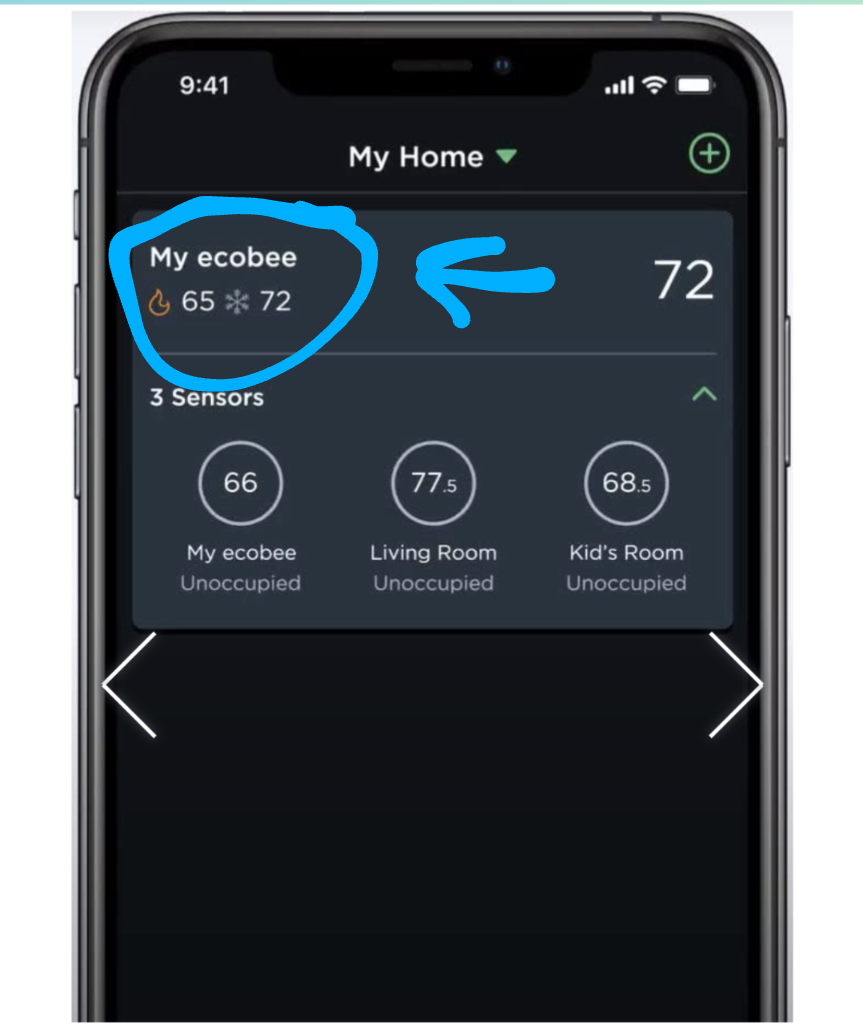
After that are the “Instructions for linking Amazon Alexa to your SmartThermostat with voice control or ecobee4” which I believe covers the 5. This instruction says to set it up in the mobile app and shows a screen shot of the mobile app with a microphone icon in the lower right, but that icon does not exist on the mobile app on my phone.
I may need to contact ecobee support. I’m also still not convinced I actually got a 5, but I’m not sure how to tell definitively.
I finally found it. It looks like the app has been updated recently and it’s now buried in a sub-menu, and very less than obvious. And they haven’t updated the instructions yet to reflect the new app version.